20-Minute Mentors

From Boring to Broadcast-Ready: Using OBS to Create Online Class that Keep Students Coming Back

In this 20-Minute Mentor, Alym Amlani shows how to use OBS to create polished, studio-style online classes that reduce interruptions and keep students visually engaged.
Purchase Options

From Boring to Broadcast-Ready: Using OBS to Create Online Class that Keep Students Coming Back

Online teaching often loses momentum when instructors juggle screen sharing, switch between tools, or struggle to keep students visually engaged. Awkward pauses, cluttered layouts, and technical interruptions can make even strong content feel disjointed, leaving students disengaged and instructors frustrated by the limits of standard video platforms.

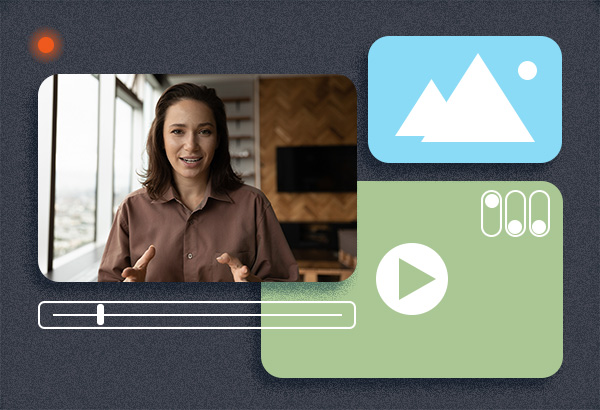
In this 20-Minute Mentor, Alym Amlani, CPA, CA—award-winning educator and two-time Best of the Teaching Professor Conference honoree—shows how OBS can transform online classes into polished, studio-style learning experiences. Drawing on his expertise in engagement, emerging technologies, and the Science of Magic, Amlani demonstrates how features like scene switching, overlays, and combined video-and-slide layouts create smoother presentations and hold student attention. Through live examples and a guided walkthrough, you’ll learn how small, practical upgrades to your visual delivery can make your online classes feel more dynamic, professional, and engaging—no production team required.

After viewing this Magna 20-Minute Mentor, participants will be able to: 

  • Define OBS and its primary functions in instructional settings
  • Explain the benefits of using OBS for online and hybrid teaching
  • Set up a basic OBS scene combining multiple instructional sources
  • Differentiate between live and recorded teaching applications of OBS
  • Identify opportunities to enhance engagement using OBS features


TOPICS COVERED 

  • Overview of OBS and its core capabilities
  • Key OBS features that support effective online teaching
  • Differences between using OBS for live sessions versus recorded content
  • Examples of OBS-enhanced instructional setups
  • Guided walkthrough of the OBS interface and basic scene creation


AUDIENCE

This program will benefit:

  • Faculty and instructors
  • Instructional designers
  • Educational technologists
  • Teaching and learning center staff
  • Graduate teaching assistants


Product Code: PM25EB

Campus Access License

With the purchase of the optional Campus Access License, registrants are granted a license to download the program contents to a password-protected network, server, or website for additional staff use. You will receive information on downloading the contents of the program within 3-5 business days after payment has been received by Magna.

Meet Your Presenter

Purchase Options

*On-demand access begins on date of purchase.

If you are not completely satisfied with your purchase, you may cancel the order within 30 days of purchase and receive a full refund.

More Resources

20-Minute Mentors

Group Subscription Options